


Need help? You're in the right place.

Got questions about how PixieBooks works? We’ve put together answers to some of the most common queries to help you get the most out of your experience. From setting up your account to syncing with Xero, it’s all here. If you can’t find what you’re looking for, our support team is just a message away.

Categories

Watch this video (2 mins) to see how easy it is to...

Watch this quick video (2 mins) to see how easy it is...

Watch this quick video (2 mins) to see how easy it is...

Use this simple guide to set up PixieBooks and easily send your...

FAQs

How can I see if a receipt has been submitted?

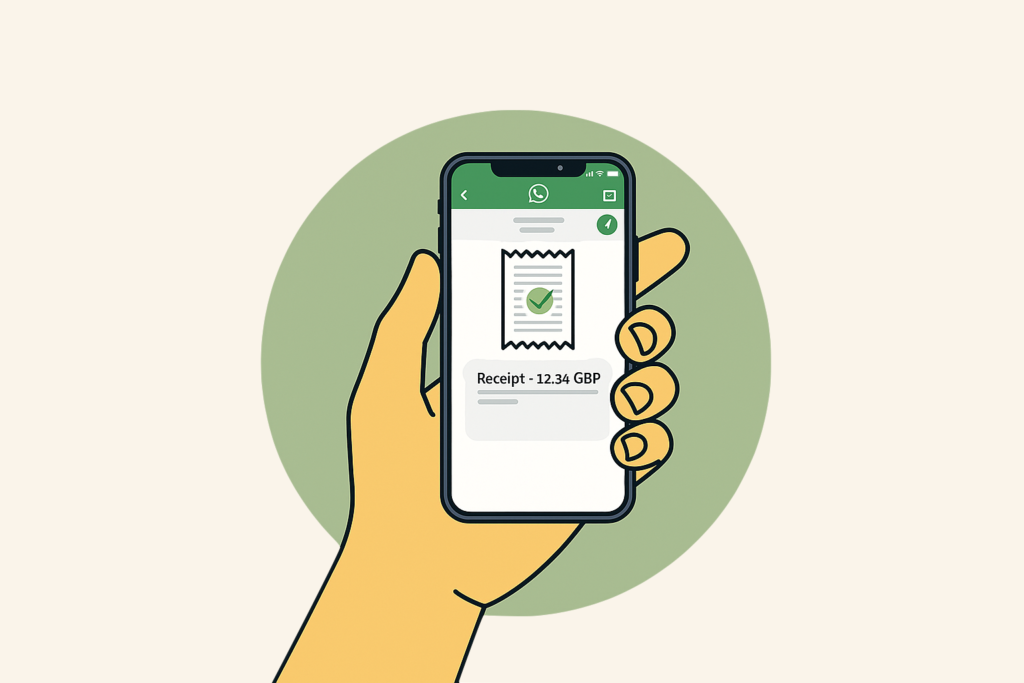
When a receipt is submitted successfully, WhatsApp will show two blue ticks (✓✓), confirming PixieBooks has received it.

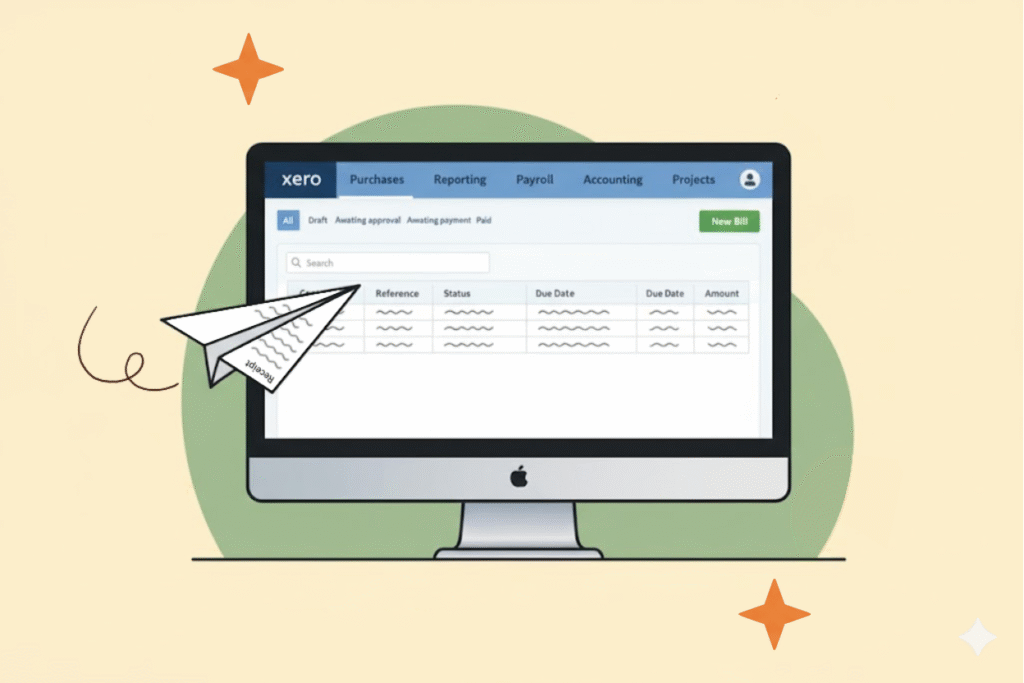
You can also confirm submission by checking Xero. Any successfully processed receipts will appear as bills under
Purchases > Bills > Awaiting Approval.

If a receipt doesn’t appear, it may still be processing or may require review. Refresh Xero or check the WhatsApp confirmation message for details.

When and how does data sync occur?

Data syncing happens automatically whenever a receipt is submitted to PixieBooks.

As soon as a receipt is received via WhatsApp or email, PixieBooks processes it and creates a bill in Xero under
Awaiting Approval.

There’s no manual sync button and no additional setup required. If a bill doesn’t appear straight away, refresh Xero and allow a short period for processing.

How can I see what transactions have been processed by PixieBooks?

PixieBooks shows receipt activity in real time.

Open WhatsApp and go to your PixieBooks chat to see confirmation messages for each receipt you’ve sent. Each message reflects the current processing status.

You can also view processed receipts directly in Xero. Submitted receipts will appear as bills under
Purchases > Bills > Awaiting Approval.

How do payment processing fees appear in Xero?

Payment processing fees are handled within Xero and may appear as separate line items or adjustments, depending on your organisation’s setup and accounting preferences.

PixieBooks does not alter how these fees are recorded — it simply submits receipt data into Xero for review.

If you’re unsure how fees should be treated in your accounts, we recommend checking with your accountant or bookkeeper for advice specific to your setup.

Contacting support 

If you encounter issues that cannot be resolved through the troubleshooting guide or would like to report a PixieBooks error, please fill the form or send us an email at [email protected].